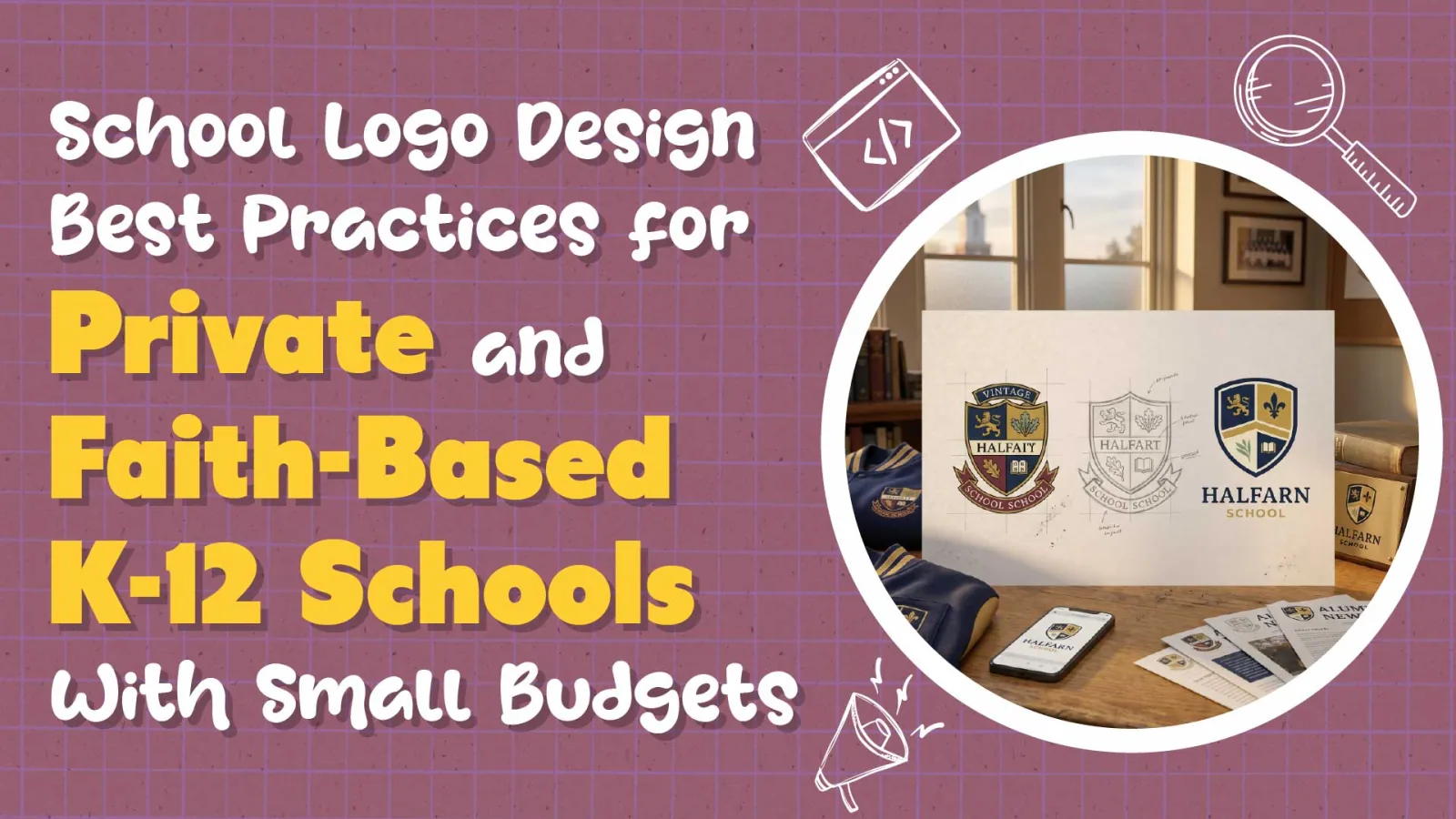
Your logo shows up on jerseys, report cards, the sign at the school entrance, every Facebook post, every parent newsletter, and the chest of a graduate's sweatshirt twenty years after they left. A good school logo is the smallest piece of your marketing and the one that travels the furthest. A bad one is a scar you see every time you pull into the parking lot. For faith-based and independent schools without a big budget, getting the logo right is the single highest-leverage brand decision available.
This guide is written for a principal at a 150-250 student faith-based or independent K-12 school with tuition around $3,000-$5,000 and a marketing budget of $5,000-$15,000. It covers the main types of school logos, the principles that separate a logo that ages well from one that has to be replaced in five years, how to handle a legacy crest or outdated mascot, the file deliverables you actually need, the cost range for getting it done professionally, the mistakes that small schools make most often, the trademark and legal basics, and how to roll out a new logo without a community revolt.

Written By: Adam Bennett | May 07, 2026
Adam is the president and founder of Cube Creative Design and specializes in private school marketing. Since starting the business in 2005, he has created individual relationships with clients in Western North Carolina and across the United States. He places great value on the needs, expectations, and goals of the client.
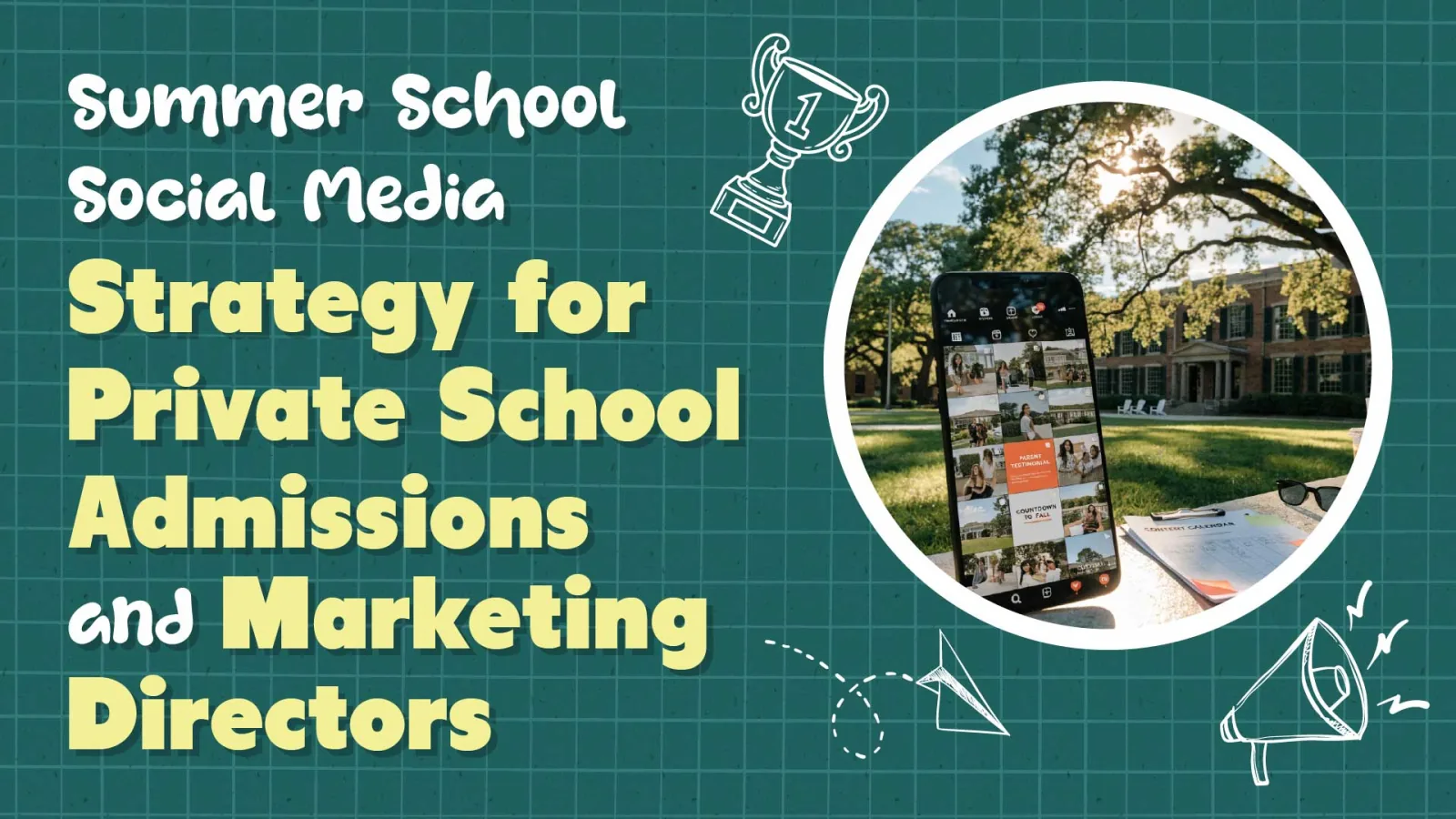
Every June, a school marketing team quietly checks out. The final school day happens, the faculty scatter, and the Instagram account goes from three posts a week to one post every three weeks. And every August, that same team wonders why back-to-school inquiries feel softer than last year. For private school admissions teams, the summer social lull is not a vacation; it is a visibility problem. The families researching right now are the ones who will start tours in September.
This guide is for a Director of Admissions and Marketing at a college-prep school serving 400-800 students with tuition between $18,000 and $35,000 and a marketing budget of $50,000-$250,000. It covers why summer social matters, the content pillars that carry a school through the quiet season, platform-specific tactics, a week-by-week calendar framework, the user-generated content strategies that work for schools, the metrics that actually matter, the paid social plays worth running between June and August, and the tools that make the whole thing sustainable with a small team.
Written By: Adam Bennett | May 07, 2026
Adam is the president and founder of Cube Creative Design and specializes in private school marketing. Since starting the business in 2005, he has created individual relationships with clients in Western North Carolina and across the United States. He places great value on the needs, expectations, and goals of the client.
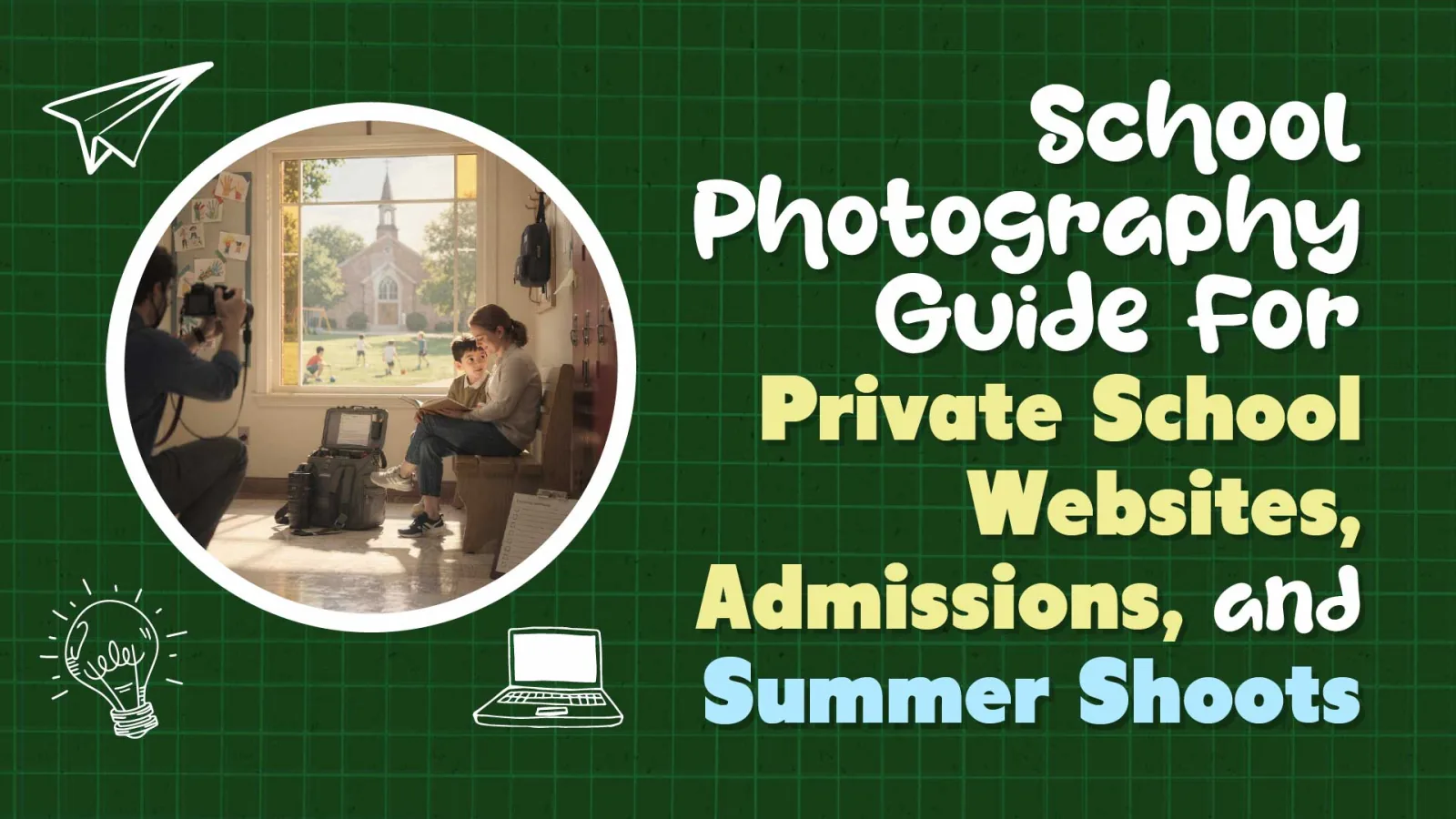
There is a particular kind of school website photo that every parent recognizes instantly: a student in a crisp uniform, perfect hair, smiling at a textbook they are definitely not reading, bathed in a light so soft it can only come from a stock library. Parents do not pause on that photo. They scroll past it. That single missed moment is why faith-based and independent schools spend thousands on enrollment marketing and still wonder why inquiry forms stay flat.
This guide is for principals and marketing coordinators at small private schools, especially faith-based K-8 institutions serving 150 to 200 students with a marketing budget in the $25,000-$50,000 range. It covers why photography is the highest-leverage content decision on a school website, how to plan a campaign-ready shot list, the consent and privacy rules you cannot skip, what professional photography actually costs in 2026, when DIY with a smartphone works, how to organize your photo library so it stays useful, and how to time shoots around the academic calendar. The goal is simple: photos that make the right families pause, picture their own child on your campus, and pick up the phone.
Written By: Adam Bennett | May 06, 2026
Adam is the president and founder of Cube Creative Design and specializes in private school marketing. Since starting the business in 2005, he has created individual relationships with clients in Western North Carolina and across the United States. He places great value on the needs, expectations, and goals of the client.
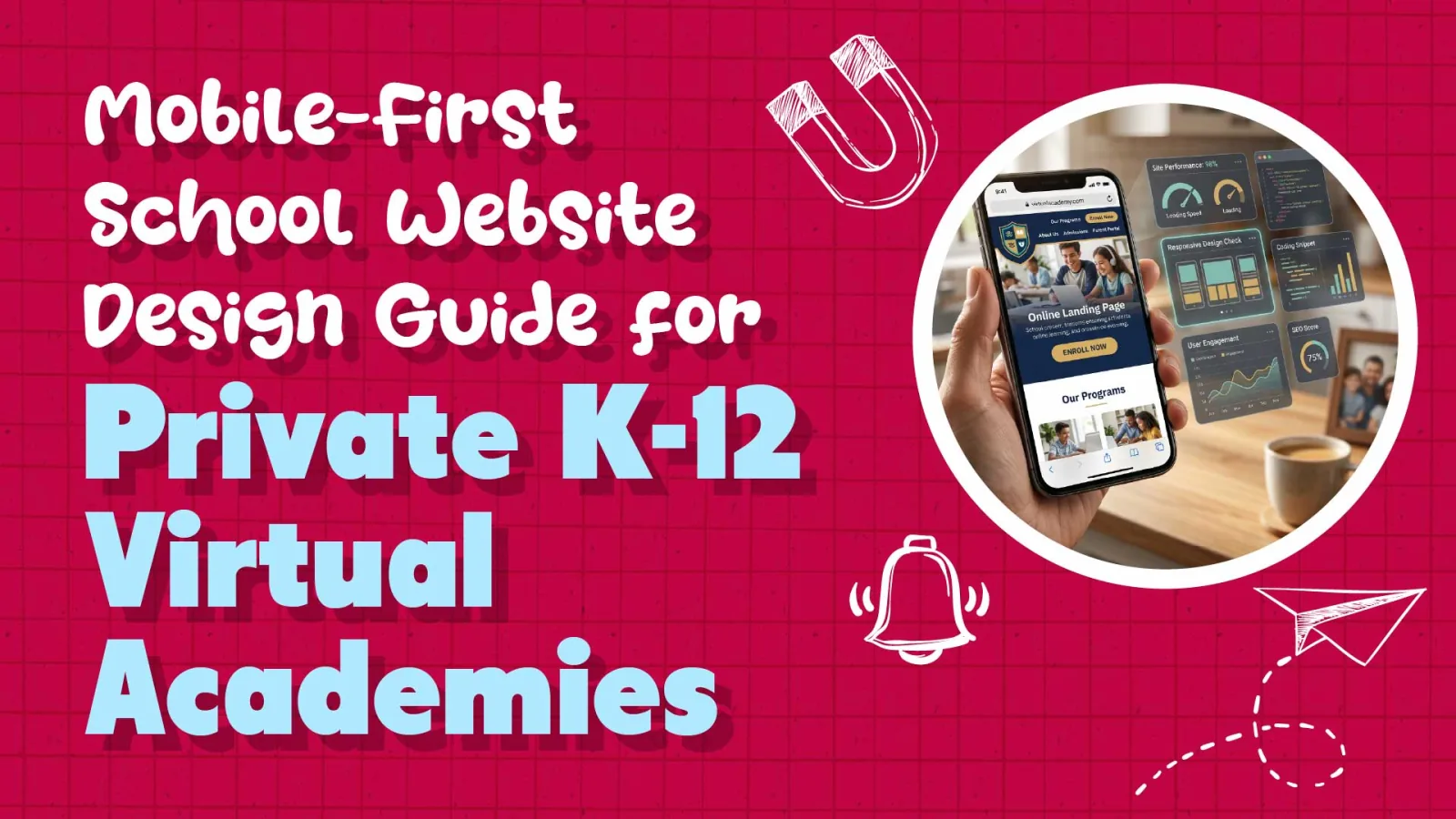
A brick-and-mortar school has a lobby, a front desk, a few brochures, and a campus tour that the building does most of the work for. A virtual academy has exactly one lobby, and it is the homepage on a prospective parent's phone at 9:47 p.m. For any private virtual academy, mobile-first school website design is not a best practice; it is the product. If the mobile experience is slow, hard to read, or cluttered, the parent never makes it into the classroom experience at all.
This guide is written for a Director of a K-12 virtual academy serving 250-500 students nationwide, with tuition between $8,000 and $15,000 and a marketing budget in the $50,000-$75,000 range. It covers the mobile traffic reality for school websites, the Core Web Vitals targets that affect Google rankings and conversions, the UX patterns that work on small screens, the conversion challenges specific to virtual schools, the mobile accessibility requirements you cannot skip, and the analytics setup that keeps mobile performance visible every month.
Written By: Adam Bennett | May 05, 2026
Adam is the president and founder of Cube Creative Design and specializes in private school marketing. Since starting the business in 2005, he has created individual relationships with clients in Western North Carolina and across the United States. He places great value on the needs, expectations, and goals of the client.